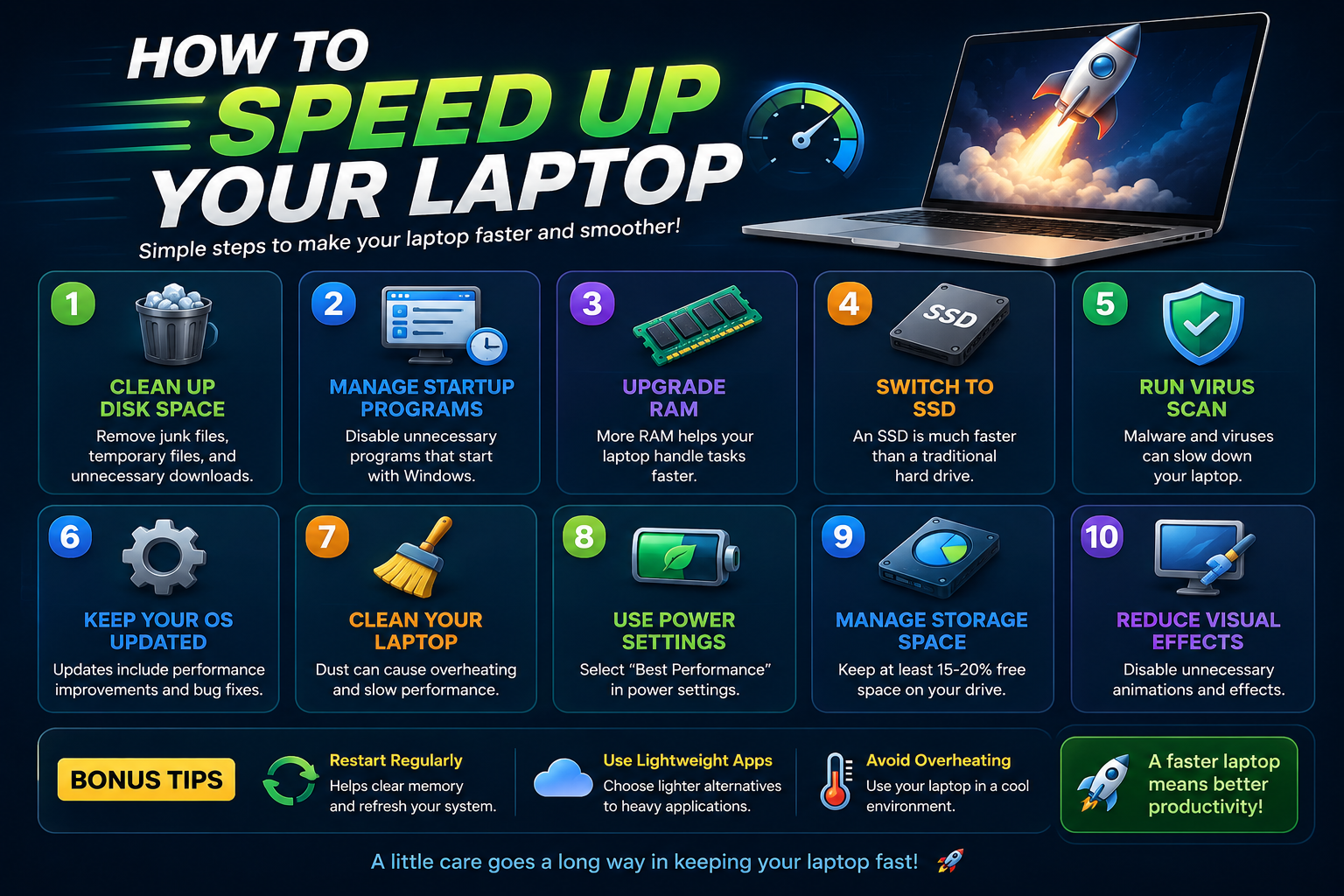
Laptops often become slow over time due to background applications, low storage, outdated software, and unnecessary startup programs. Optimizing your laptop regularly can improve speed, gaming performance, multitasking, and battery life.
Whether you use your laptop for studying, gaming, office work, or content creation, these optimization tips can help improve overall system performance in 2026.
Best Ways to Optimize Laptop Performance
1. Remove Unnecessary Programs
Uninstall apps and software you no longer use to free up storage space and reduce background resource usage.
2. Disable Startup Applications
Too many startup programs can slow down your laptop during boot. Disable unnecessary startup apps using Task Manager.
3. Upgrade to SSD Storage
Solid State Drives are much faster than traditional hard drives and can dramatically improve laptop speed.
4. Increase RAM Capacity
More RAM allows smoother multitasking and improves performance for gaming, editing, and heavy applications.
5. Keep Your Operating System Updated
Regular updates improve security, fix bugs, and optimize laptop performance.
6. Scan for Malware & Viruses
Malware can slow down your laptop and affect performance. Use antivirus software to scan your system regularly.
7. Clean Temporary Files
Remove temporary files, cache, and junk data using built-in cleanup tools to improve storage performance.
8. Optimize Power Settings
Switch to High Performance mode in your power settings for better speed and responsiveness.
9. Keep Your Laptop Cool
Overheating can reduce laptop performance. Clean dust from fans and ensure proper airflow.
10. Restart Your Laptop Regularly
Restarting your laptop helps refresh memory usage and close unnecessary background tasks.
Benefits of Laptop Optimization
Optimizing your laptop improves overall speed, reduces lag, enhances gaming performance, and helps extend hardware lifespan.
- Faster boot times
- Smoother multitasking
- Better gaming performance
- Improved battery efficiency
- Reduced system crashes
Final Thoughts
Regular laptop optimization is essential for maintaining fast and stable performance. Small improvements like removing junk files, upgrading hardware, and disabling unnecessary programs can make a huge difference.
Follow these tips consistently to keep your laptop running smoothly and efficiently for years to come.