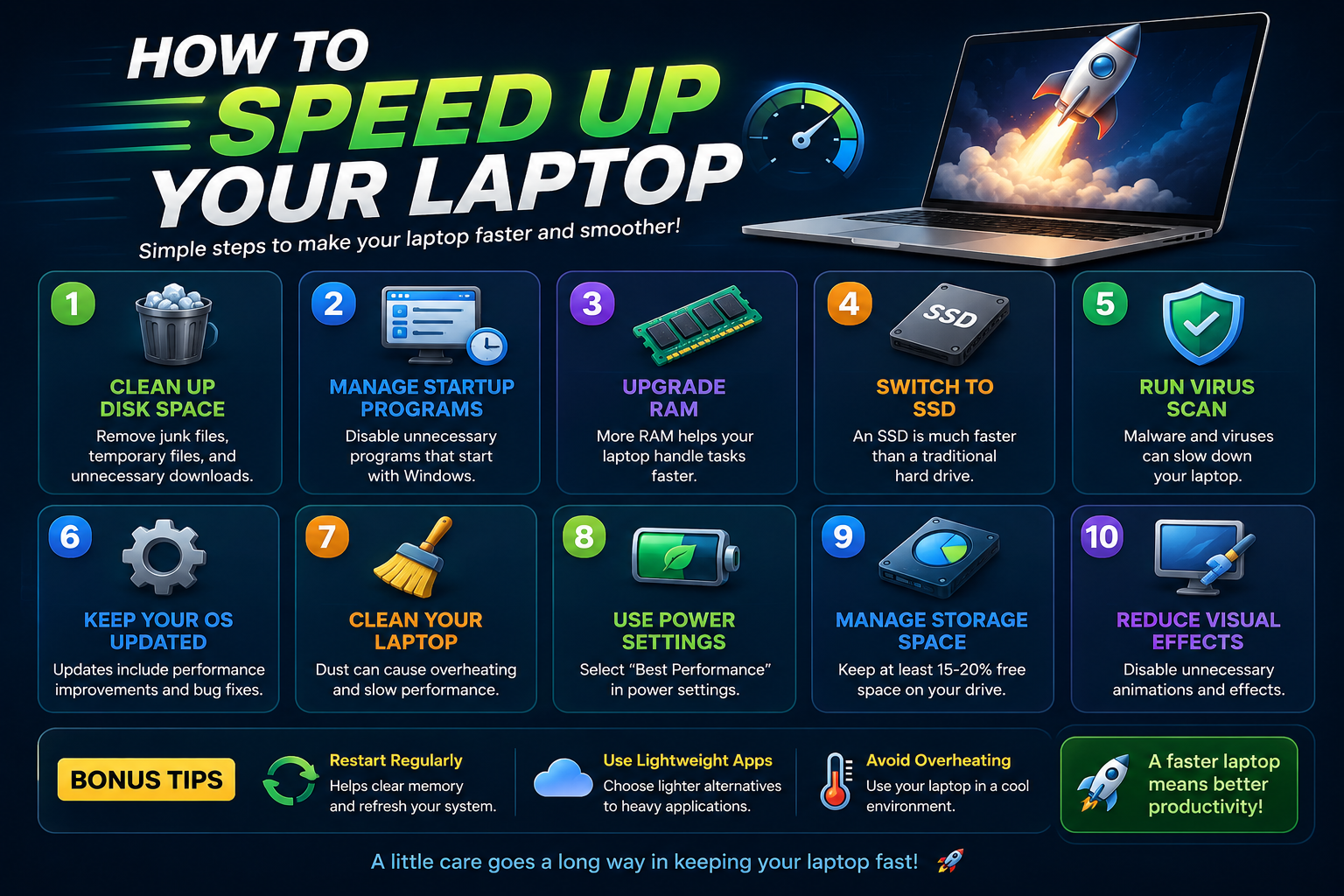
Is your laptop running slow? Over time, laptops can become slower due to unnecessary files, background apps, outdated software, and low storage space.
The good news is that you can improve your laptop performance without buying a new computer. In this guide, we will show you the best ways to speed up your laptop in 2026.
Best Ways to Speed Up Your Laptop
1. Remove Unnecessary Startup Programs
Too many startup programs can slow down your laptop boot time. Disable apps that automatically start when Windows launches.
2. Delete Temporary Files
Temporary files and cache data take up storage space and reduce system performance. Clean unnecessary files regularly.
3. Uninstall Unused Software
Remove programs you no longer use to free up storage and reduce background processes.
4. Upgrade to SSD Storage
Replacing a traditional hard drive with an SSD can dramatically improve laptop speed and loading times.
5. Increase RAM
Adding more RAM allows your laptop to handle multitasking and heavy applications more smoothly.
6. Update Windows & Drivers
Keeping your operating system and drivers updated improves security, stability, and overall performance.
7. Scan for Viruses & Malware
Malware and viruses can slow down your system significantly. Use antivirus software to keep your laptop secure.
8. Free Up Disk Space
Low storage space affects performance. Delete large unused files and move important data to cloud storage if necessary.
9. Reduce Background Apps
Too many apps running in the background use system resources. Close unnecessary applications while working.
10. Restart Your Laptop Regularly
Restarting your laptop helps refresh system memory and improves performance after long usage periods.
Why Laptops Become Slow
Laptops slow down due to several reasons including old hardware, insufficient RAM, malware infections, outdated software, and excessive background applications.
- Too many installed programs
- Low storage space
- Background processes
- Virus or malware infection
- Outdated hardware
Final Thoughts
Speeding up your laptop does not always require expensive upgrades. Simple maintenance and optimization can improve performance significantly.
Follow these tips regularly to keep your laptop fast, responsive, and efficient in 2026.