
Latest Technology News & Guides
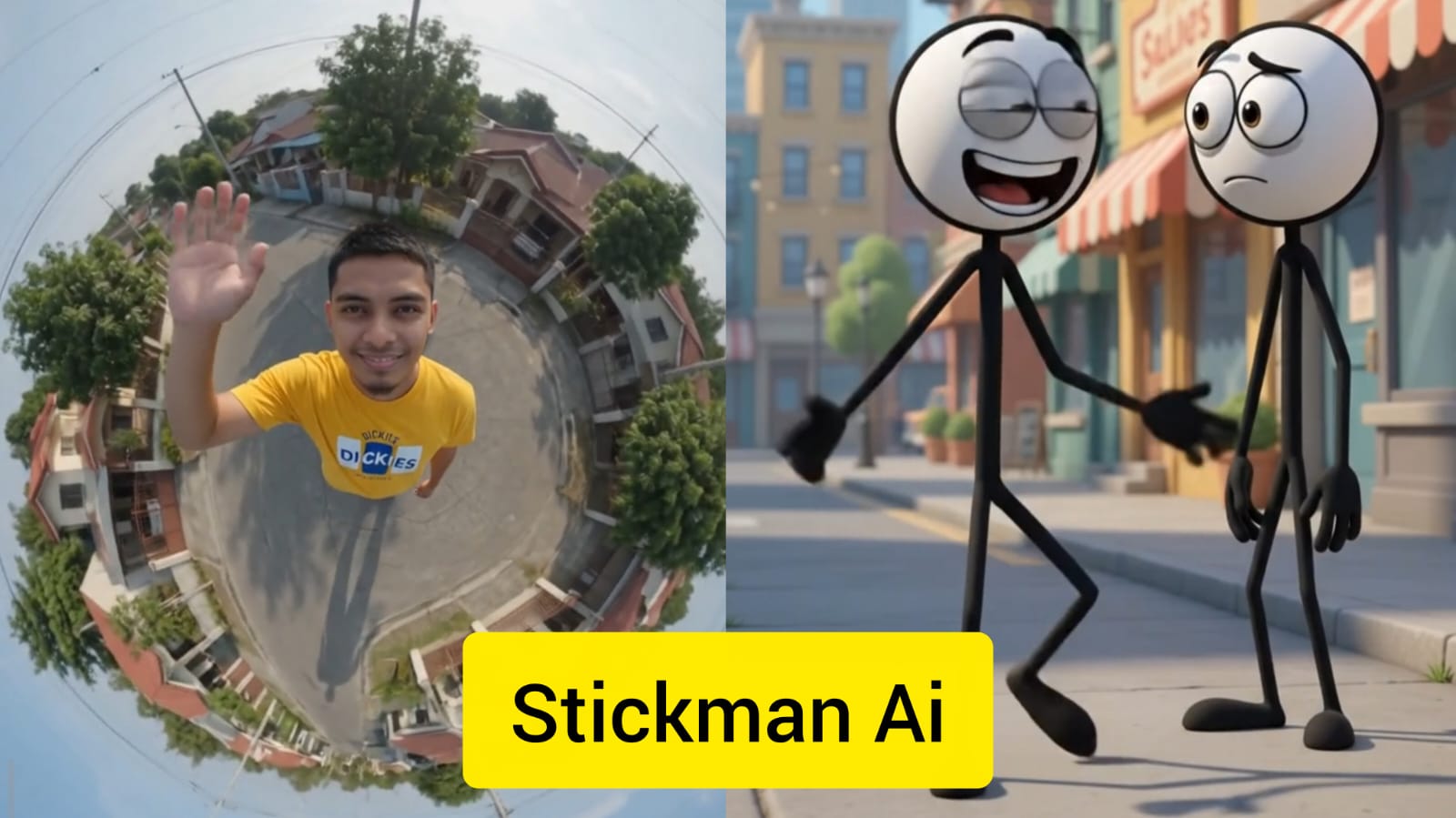
AI animation tools are making it easier than ever to create short animated videos, character scenes, and creative visual content. One interesting concept is generating a 360 degree angle video with Stickman AI, where a simple stickman character can be presented from different camera directions and perspectives.
Stickman animations have always been popular because they are simple, lightweight, and easy to understand. With modern AI-assisted video workflows, creators can experiment with different poses, camera movements, backgrounds, transitions, and storytelling techniques without manually drawing every individual frame.
In this guide, we will explain the concept of 360 degree stickman videos, how AI can help with the workflow, how to create better prompts, how camera angles work, and how creators can turn simple stickman ideas into engaging short videos.
A 360 degree angle video presents a subject from multiple viewing directions. Instead of showing a character from only the front, creators can design scenes that appear to move around the character, showing front, side, back, and three-quarter perspectives.
In a stickman animation, this can create the impression that the camera is moving around the character. A simple walking, fighting, dancing, running, or action scene can become much more visually interesting when different camera angles are introduced.
The term Stickman AI can refer broadly to AI-assisted workflows for creating stickman characters, animations, scenes, or short videos. Depending on the tool being used, creators may start with a text description, image reference, character design, or animation concept.
AI can assist with different parts of the creative process, but the exact features available depend on the specific software or platform. Some tools focus on image generation, while others support animation, video generation, editing, motion, or character consistency.
A normal stickman animation can already communicate an idea with very simple graphics. Adding camera movement and multiple perspectives can make the same concept feel more dynamic.
For example, imagine a stickman running toward the camera. The scene could transition to a side view, then move behind the character, and finally return to the front. This creates a stronger sense of movement without requiring an extremely detailed character design.
Start with a simple character description. Decide the character's appearance, clothing, body proportions, pose, and visual style. Keeping the character design simple can make consistency easier across multiple scenes.
Choose what your stickman is doing. You could create a running sequence, dance scene, sports action, fight choreography, adventure scene, comedy sequence, or simple walking animation.
Decide how the camera should move around the character. A simple plan could start with a front view, move to the character's left side, continue toward the back, and finish on the opposite side.
If your workflow supports image generation, create consistent reference frames for the character from different angles. Try to keep the character's proportions, clothing, and visual style consistent between frames.
Use an animation or AI video workflow to connect the frames or generate motion between them. Smooth transitions can help create the illusion of a continuous camera rotation.
Sound effects, background music, and simple visual effects can make a stickman animation more engaging. Match the sound timing with important movements in the scene.
A detailed prompt can help communicate the desired visual style and camera movement. For example, a creator could describe a simple stickman character standing in an open environment while the camera smoothly rotates around the character.
Create a simple black-and-white stickman character standing in an open minimalist environment. The camera smoothly rotates around the character in a complete 360-degree movement, showing front, side, three-quarter, and rear perspectives. Keep the character design consistent throughout the sequence, use smooth animation, stable proportions, clean lines, cinematic camera movement, and a simple background.
Smooth camera movement is one of the most important parts of a successful 360 degree animation. Sudden changes in perspective can make the video look unnatural.
When creating an AI-assisted animation, use clear camera instructions and avoid changing several major visual elements simultaneously. Keeping the environment simple can also make the rotation easier to understand.
Short-form video platforms are ideal for simple animation concepts. A short stickman video can communicate an idea quickly without requiring a complicated story.
Creators can use 360 degree camera movements for comedy, action, tutorials, visual experiments, gaming-inspired animations, sports scenes, storytelling, and educational content.
Stickman characters are particularly useful for action sequences. Their simple appearance allows viewers to focus on movement rather than detailed character design.
A 360 degree camera can make a simple action scene more cinematic. For example, a stickman could jump, run, dodge an object, perform a sports movement, or interact with another character while the camera changes position.
Stickman animation is also popular for comedy because simple visuals can make exaggerated movements easier to understand. A funny character reaction can become more entertaining when the camera suddenly changes perspective at the right moment.
Creators can experiment with short dialogue scenes, unexpected movements, funny character interactions, and visual jokes.
Voice can add personality to an animated character. Depending on the tools available in your workflow, you can combine animation with recorded narration, character dialogue, or synthetic voice generation.
When using AI voice tools, make sure you have permission to use any voice or likeness and avoid presenting an imitation of a real person as authentic without appropriate disclosure.
Character consistency can be one of the biggest challenges in AI-assisted animation. The same stickman may appear slightly different when generated from different angles.
To reduce these differences, keep the character description consistent and use reference images when the chosen tool supports them. Define important characteristics such as line thickness, clothing, accessories, body proportions, and colors.
A simple background can work extremely well with stickman animation. Minimal environments reduce visual distractions and allow viewers to focus on the character and camera movement.
AI-generated animation can sometimes produce inconsistent characters, unnatural movement, changing backgrounds, distorted objects, or unexpected camera behavior. These issues are especially noticeable when a character must remain consistent while the camera moves around it.
If the generated result does not look right, simplify the prompt and reduce the number of simultaneous instructions. Focus first on character consistency and camera movement before adding complex backgrounds or special effects.
Creating several short clips and combining them during editing can sometimes provide more control than trying to generate one very long continuous animation.
There is no single perfect length for every short video. The ideal duration depends on the story and audience. A simple 360 degree demonstration may only need a few seconds, while a comedy or action story may need longer.
The most important goal is to remove unnecessary scenes and keep the viewer interested throughout the video.
Traditional animation can require considerable time and technical skill. AI-assisted tools can simplify some parts of the creative process, allowing creators to experiment with ideas more quickly.
This does not mean that AI completely replaces animation skills. Editing, storytelling, timing, sound design, composition, and creative direction remain important for producing a polished final video.
Creating a 360 degree angle video with Stickman AI can be an interesting way to experiment with AI-assisted animation. The combination of a simple stickman character and dynamic camera movement can produce engaging short-form videos without requiring highly detailed character designs.
For the best results, start with a simple concept, define the character clearly, plan the camera movement, maintain consistent references, and keep the animation focused. Add sound, dialogue, transitions, and effects only after the basic movement looks good.
Whether you want to make comedy shorts, action animations, educational clips, storytelling videos, or social media content, 360 degree stickman animation gives creators plenty of room to experiment with new ideas.